How a watch-only Bitcoin wallet works
Monitor balances without placing spending keys on your everyday device, and understand the privacy limits of public wallet data.
The quick answer
A watch-only wallet tracks addresses or public wallet information without the private keys needed to spend. It can monitor funds, but cannot recover missing signing keys.
Public wallet information is still sensitive
An extended public key or descriptor can reveal many addresses and transactions for an account. It is different from a recovery phrase, yet should not be posted publicly.
Step by step
- 1
Export only the supported public data
Follow your signing wallet's official instructions. Do not type recovery words into a monitoring app.
- 2
Verify matching receive addresses
Compare addresses with the signing device before sharing them. A monitoring setup can be misconfigured or supplied with someone else's public data.
- 3
Keep signing and backups separate
Use the watch-only device to view activity or prepare unsigned payments. The actual signer and its secure backup remain necessary for spending.
Worked example
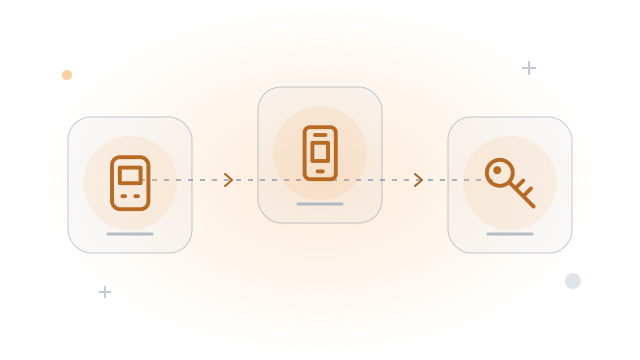
A phone can display an account exported from a hardware wallet. Losing that phone should not reveal private keys, but may expose balances and payment history.
Before you continue
A related question
Can a watch-only backup replace recovery words?
No. Public data helps locate outputs; the required signing secrets or a valid alternative spending policy are still needed.
Try it with a tool
Sources & further reading
Source links checked on 15 Oct 2026. Examples explain the mechanics; provider fees and features can change.
- Bitcoin Core github.com
- Sparrow Wallet sparrowwallet.com