How to send and receive Bitcoin
Check the network, address, amount and fee, then track the transaction and understand when a payment is confirmed.
The quick answer
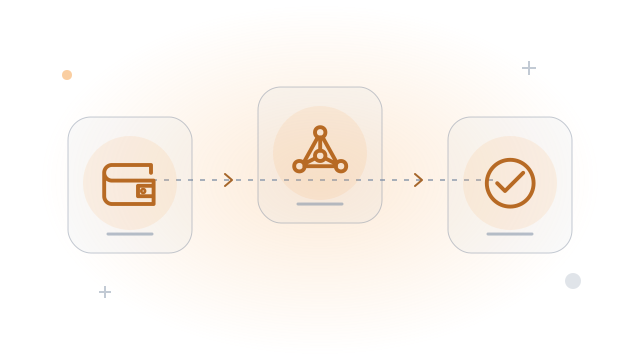
To receive on-chain BTC, create a receive address in your Bitcoin wallet. To send, use the recipient’s verified payment request, review the details and authorize the transaction.
The destination and network must match
An on-chain Bitcoin address and a Lightning invoice are different payment requests. A QR code only encodes data; it does not prove who the recipient is. Treat a copied address as something to verify, not something to trust automatically.
Step by step
- 1
Create and verify a request
The receiver selects Bitcoin and generates a fresh address. If using a hardware wallet, verify the address on its trusted screen before sharing it with the sender.
- 2
Review before sending
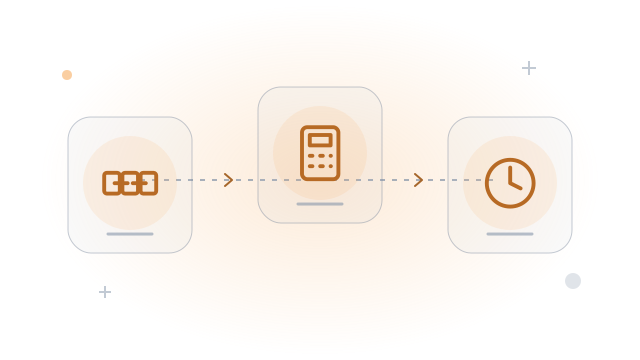
Check the full destination, BTC amount, network and total fee. Confirm the details on your signing device. For an unfamiliar or large transfer, consider a small test after checking its fee.
- 3
Track the result
After broadcast, save the transaction ID. Check its status in your wallet or a block explorer. The receiver should verify their own wallet rather than accept a screenshot as proof.
Worked example
Sending 50,000 sats with a 700-sat fee normally spends 50,700 sats in total. Some wallet options instead subtract the fee from the amount received; check the preview.
Before you continue
A related question
How many confirmations are enough?
There is no universal count for every payment. The receiver sets a policy based on value and risk; exchanges may require their own number before crediting a deposit.
Try it with a tool
Sources & further reading
Source links checked on 15 Oct 2026. Examples explain the mechanics; provider fees and features can change.
- Bitcoin Developer Guide developer.bitcoin.org
- Bitcoin.org bitcoin.org