How to choose a Bitcoin wallet
Compare custodial, mobile and hardware wallets by key control, backup, payment needs and fee features.
The quick answer
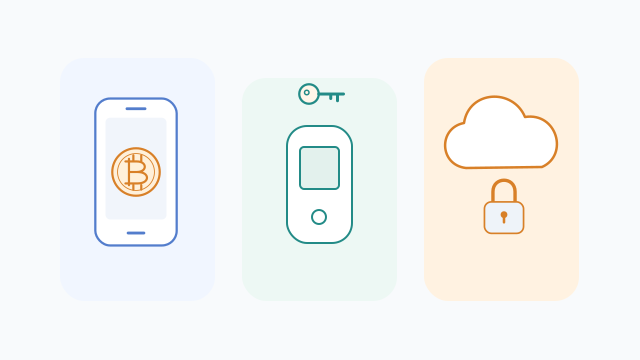
Choose a wallet by what you need to do and who controls the keys. A convenient app, a hardware signing device and an exchange account solve different problems.
Storage is really a signing and recovery choice
A self-custodial wallet lets you authorize spending. A custodian does that for you. Hot wallets keep signing keys on an online device; hardware wallets isolate signing in a separate device. Neither removes the need to check what you approve.
Step by step
- 1
Define the use case
For everyday payments, check mobile usability and whether you need on-chain Bitcoin or Lightning. For long-term holdings, consider a hardware wallet and a clear recovery plan.
- 2
Check recovery first
Read the official backup instructions before funding. Check the backup format and any passphrase requirement. Confirm that you can recover without the original device or app provider.
- 3
Compare useful controls
Look for address verification, fee selection and supported recovery formats. Fee bumping and coin control can help later. Download through the developer’s official links, not an advertisement.
Worked example
You might keep a small spending balance in a mobile wallet and use a hardware wallet for a larger reserve. This separates convenience from the amount exposed on your phone.
Before you continue
A related question
Does a hardware wallet store the bitcoins inside it?
No. It protects signing keys. The ledger records the coins, and a compatible, correctly preserved backup can restore control if the device fails.
Try it with a tool
Sources & further reading
Source links checked on 15 Oct 2026. Examples explain the mechanics; provider fees and features can change.
- Bitcoin.org bitcoin.org
- Bitcoin.org bitcoin.org