How to plan and run a Bitcoin full node
Choose archival or pruned storage, verify the software and connect a wallet only after understanding synchronization and access controls.
The quick answer
A fully validating Bitcoin node checks blocks and transactions against its own rules. Running one is different from mining and does not earn a block reward by itself.
Pruning changes storage, not validation rules
A pruned node discards older block files after validation while retaining the data needed to validate the current chain. A normal initial sync still downloads and verifies history. Historical rescans can require missing blocks again.
Step by step
- 1
Plan resources and storage
Read current official requirements. Allow room for the chain state, indexes, logs and growth, not just a prune target. Decide whether your wallet needs historical rescans.
- 2
Verify and synchronize
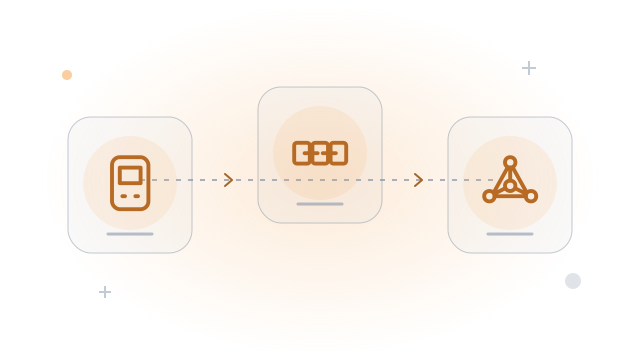
Download Bitcoin Core through its official site and verify the release using its instructions. Complete initial synchronization on the intended network.
- 3
Connect through a protected interface
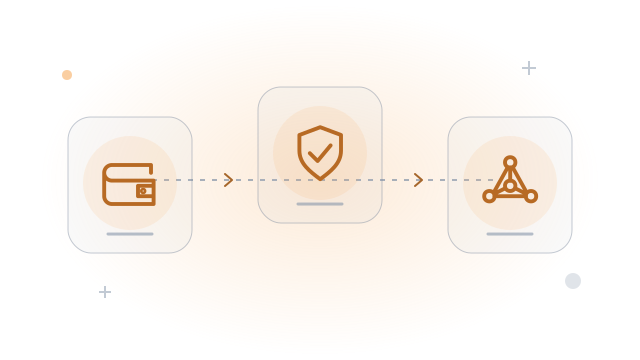
Use your wallet's supported backend instructions. Keep RPC authentication private and restrict access; do not expose administrative RPC publicly.
Worked example
An archival node retains historical block files. A pruned node can validate the same chain while keeping less history locally, but cannot serve every old block from disk.
Before you continue
A related question
Does running a node make my wallet use it automatically?
No. Configure a compatible connection and verify the wallet is actually querying your node rather than its default public service.
Try it with a tool
Sources & further reading
Source links checked on 15 Oct 2026. Examples explain the mechanics; provider fees and features can change.
- Bitcoin.org bitcoin.org
- Bitcoin Core bitcoincore.org
- Sparrow Wallet sparrowwallet.com