Paying a merchant with Bitcoin and requesting a refund
Check invoice expiry, payment amounts and refund details without confusing a commercial refund with a Bitcoin reversal.
The quick answer
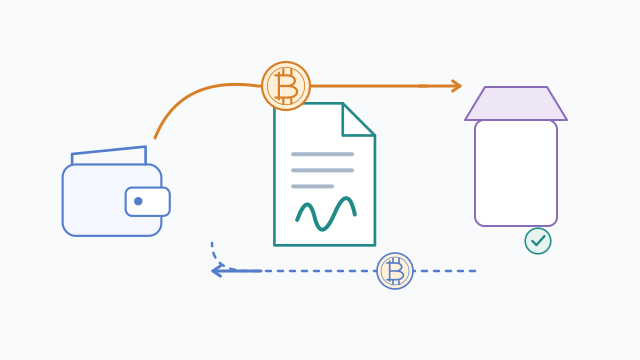
Pay the merchant's current invoice using its supported network and exact requested amount. A refund is a new payment agreed with the merchant, not a reversal of the original transaction.
Invoice status and chain status differ
A payment can be visible on-chain while the merchant waits for confirmations or handles an underpayment. Expiry and refund policies belong to the merchant or processor.
Step by step
- 1
Check the current invoice
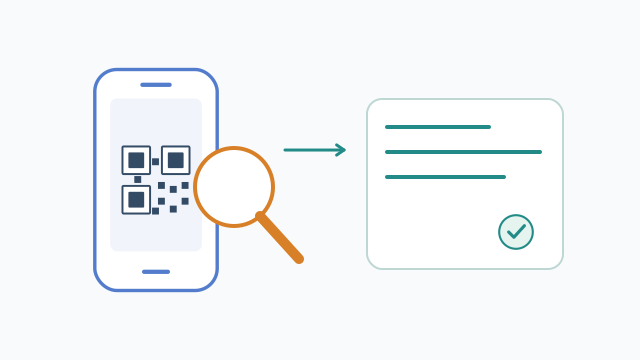
Verify the seller, goods, network, amount and expiry. Read the refund terms before paying.
- 2
Keep evidence of the payment
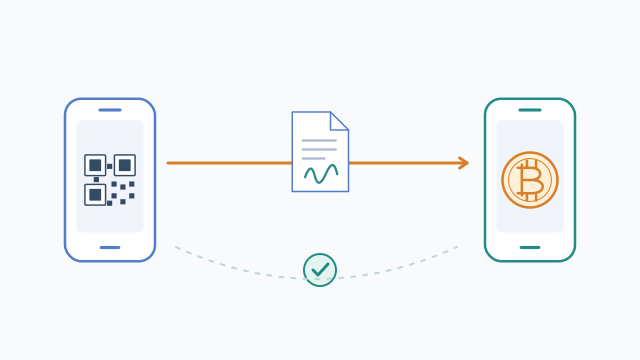
Save the order reference and transaction ID or Lightning receipt. Check the merchant's own paid status rather than a sender screenshot alone.
- 3
Arrange a verified refund
Contact the seller through its official channel. Supply a fresh compatible receive request when asked, and agree on the amount, currency basis and any fee.
Worked example
A purchase priced at 50 fiat units may have a refund policy based on 50 units or the original BTC amount. A price change makes those different; check the agreement.
Before you continue
A related question
Should I pay an expired invoice?
Ask the merchant for a current request first. A late payment can require manual handling and may not automatically settle the order.
Try it with a tool
Sources & further reading
Source links checked on 15 Oct 2026. Examples explain the mechanics; provider fees and features can change.
- BTCPay Server docs.btcpayserver.org
- Bitcoin Developer Guide developer.bitcoin.org